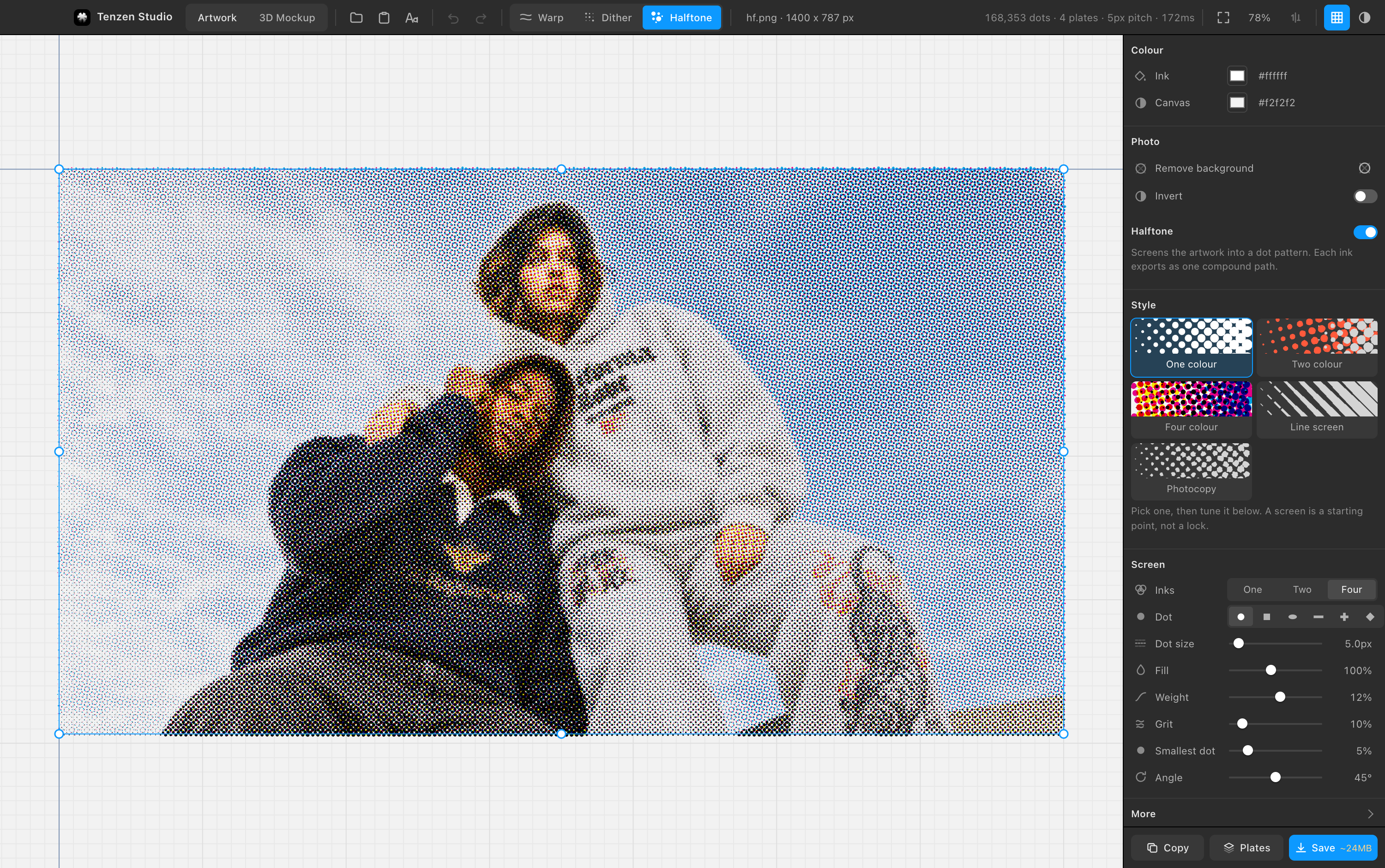
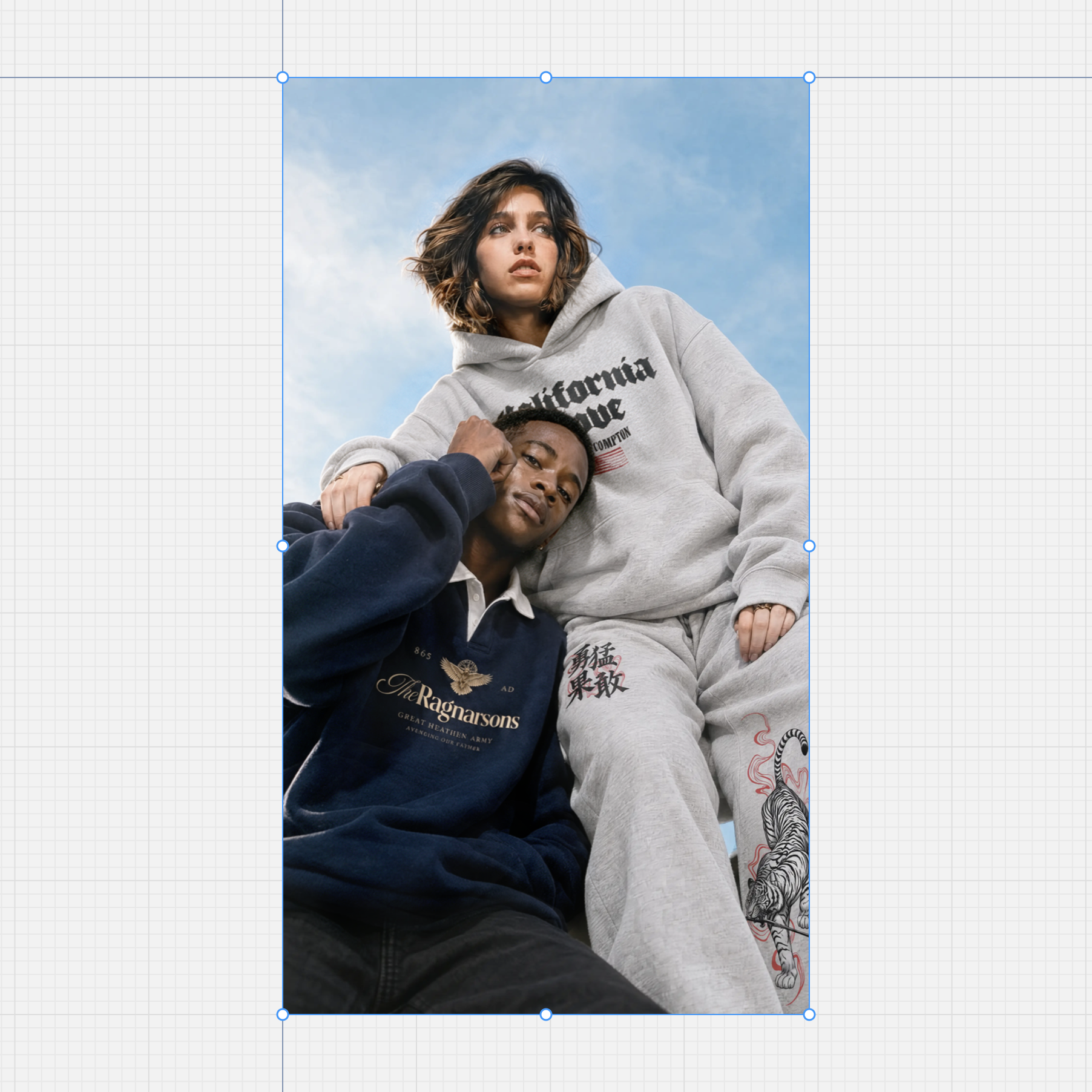
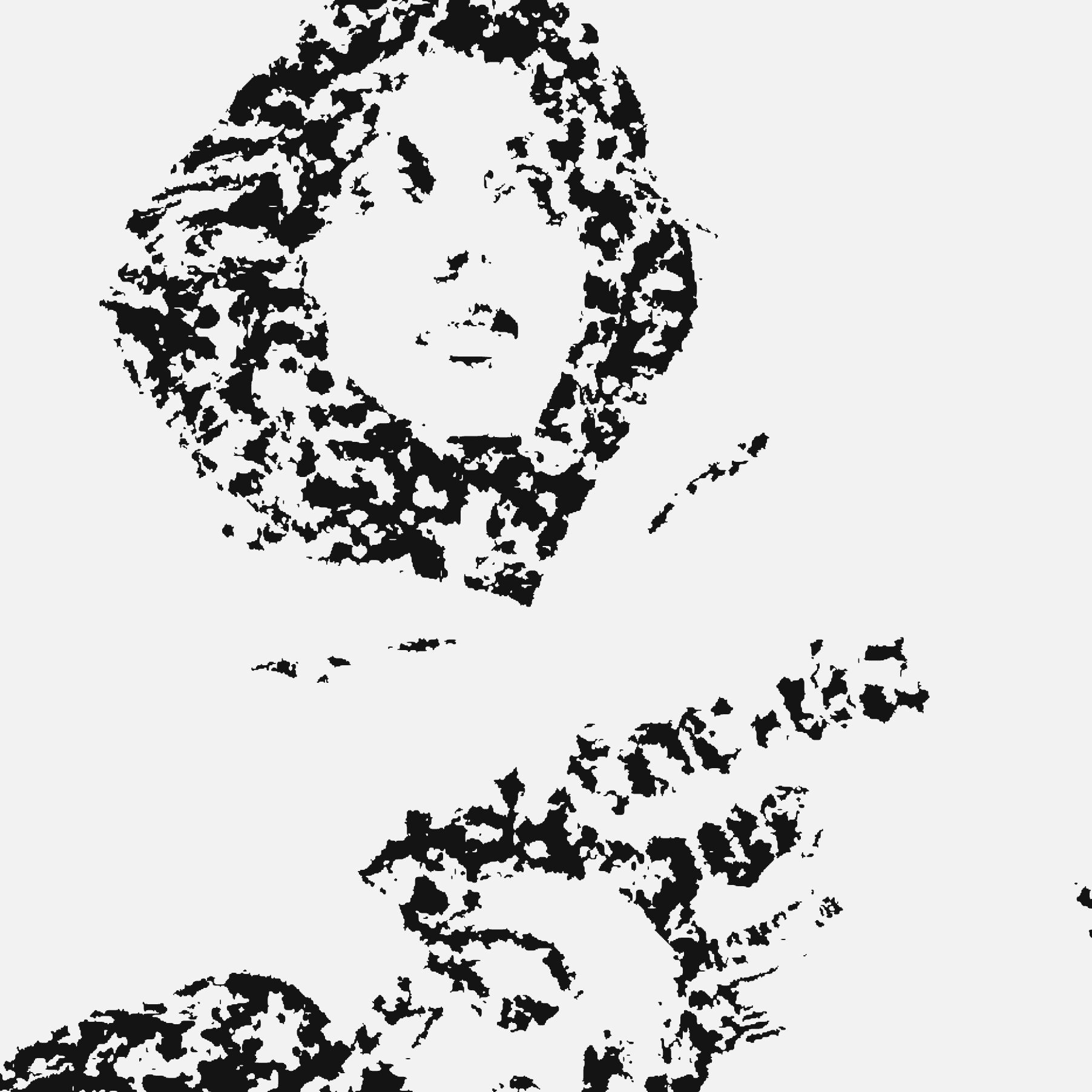
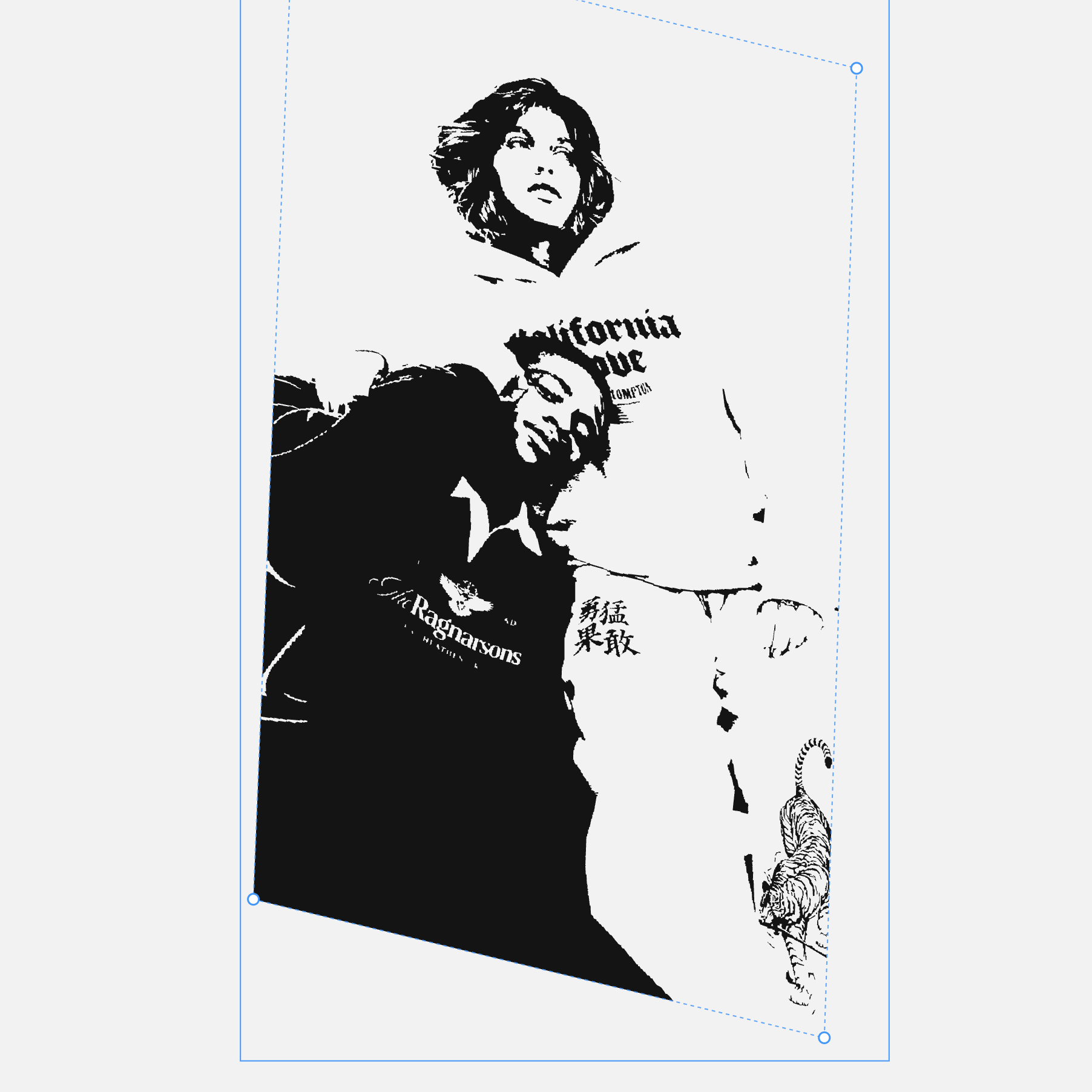
Halftone a photo into a real CMYK dot screen. Chew a logo up with
ink erosion and grunge. Bend artwork onto a garment. Export SVG your printer
can actually use, then put it on a 3D garment and save a GLB for your store.
Three effects, independent of each other, none of them applied
until you switch one on.
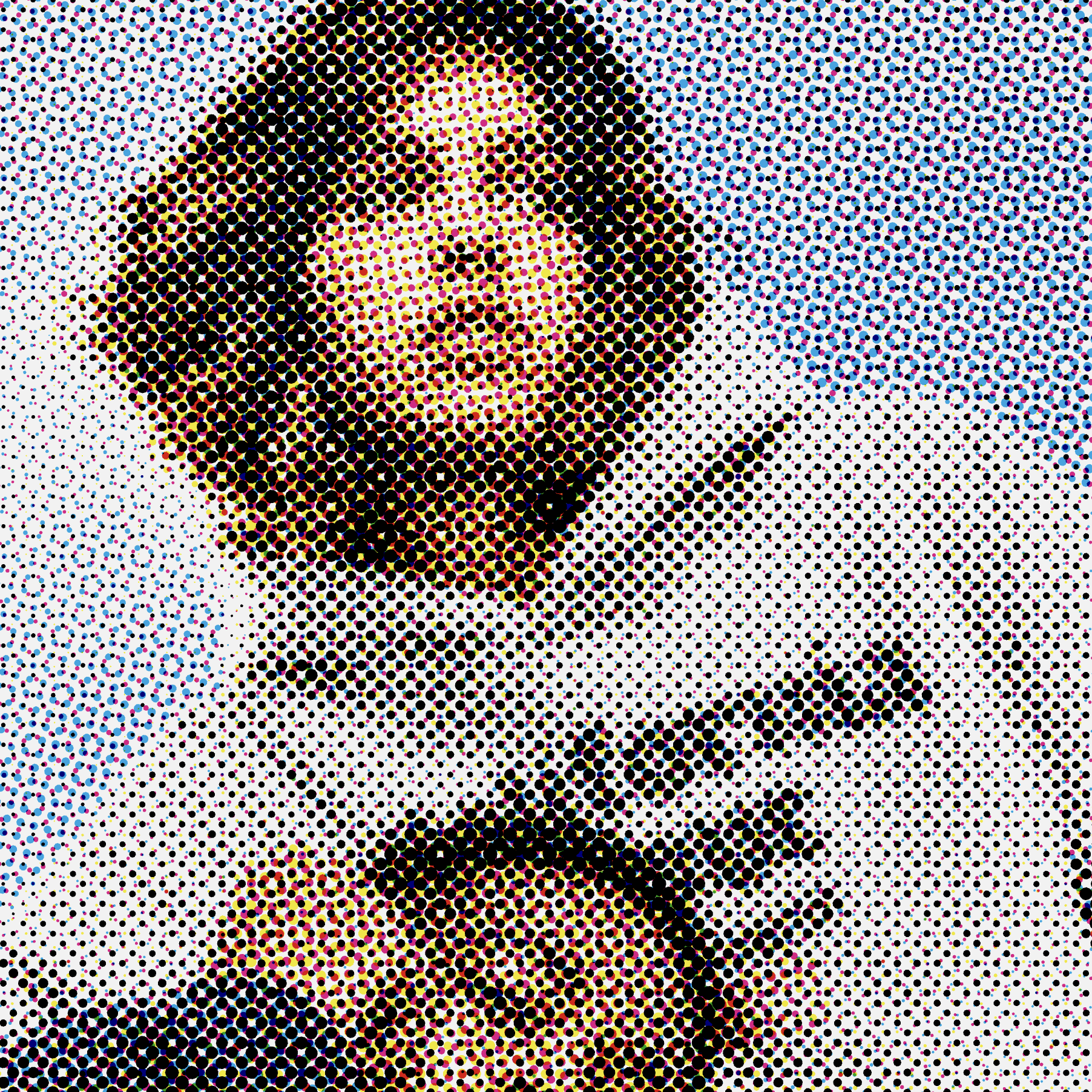
Four colour halftone
Real screen angles, real dot gainOne colour halftone
For a single screen on a teeInk erosion and grunge
Six styles, five slidersWarp
Four corner handles, 18 presets
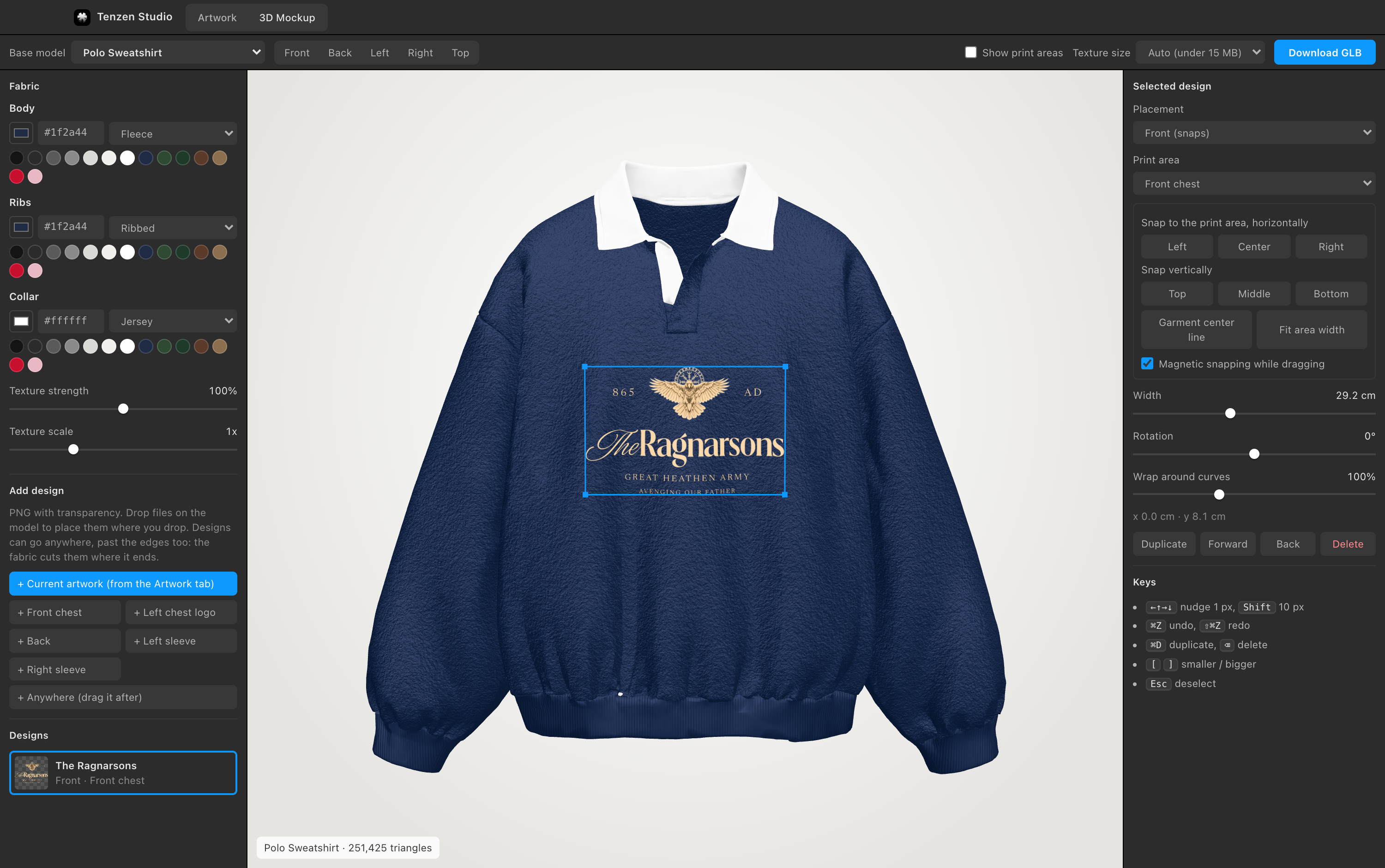
3D Mockup. Pick a garment, choose its
colour and fabric, put designs anywhere on it, from the chest to the hood or the
brim, see it in the store's own viewer and lighting before you save, and save one
Draco-compressed GLB under Shopify's 15MB limit.
Everything comes out as vector. One compound path per ink inside a
multiply group, so Illustrator opens four objects and not a hundred thousand.
Plates writes each ink as its own named group, unblended, which is what
a printer asks for.
Installing it
You do not need to know anything about code. It takes about a
minute, and step three only happens once.
Open the file you downloaded, then drag the app icon onto the Applications
folder shown next to it. That is the whole install.
Open it the first time
The app is not signed by Apple, because that costs $99 a year and this is
free. So macOS asks once:
Open Applications and double-click Tenzen Studio
macOS says it cannot verify the developer. Click Done
Open System Settings, then Privacy & Security
Scroll down to the line about Tenzen Studio, click Open Anyway
Confirm with your password or Touch ID
That is it, forever. Every launch after that is a
normal double-click.
Says the app is damaged? The download was interrupted. Delete it and
download again. Anything else,
say what
happened here and it will get fixed.
It updates itself
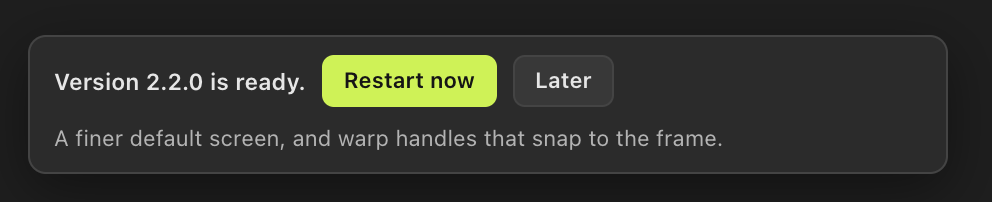
Every time you open it, the app asks GitHub whether there is
anything newer. If there is, it fetches it in the background and puts a small
note in the corner of the canvas. Nothing interrupts you, and nothing
changes until you say so.
Update size
About a megabyte
When it applies
When you restart
If one breaks
Rolls itself back
What is sent
Nothing
An update that fails to start is noticed on the next launch, thrown away, and
the app goes back to the version that worked. You can also force that yourself
from Help, then Use the Built-in Version.
On an Intel Mac, or want to change something
The whole thing is open source under MIT. Run it from source, or
build your own copy.
git clone https://github.com/aditya31Sharma/apparel-designer.git
cd apparel-designer
npm install
npm start
The
README
goes through how the halftone screen, the background removal and the rendering
actually work.